WordPress vs. Wix: Which Builder Wins?
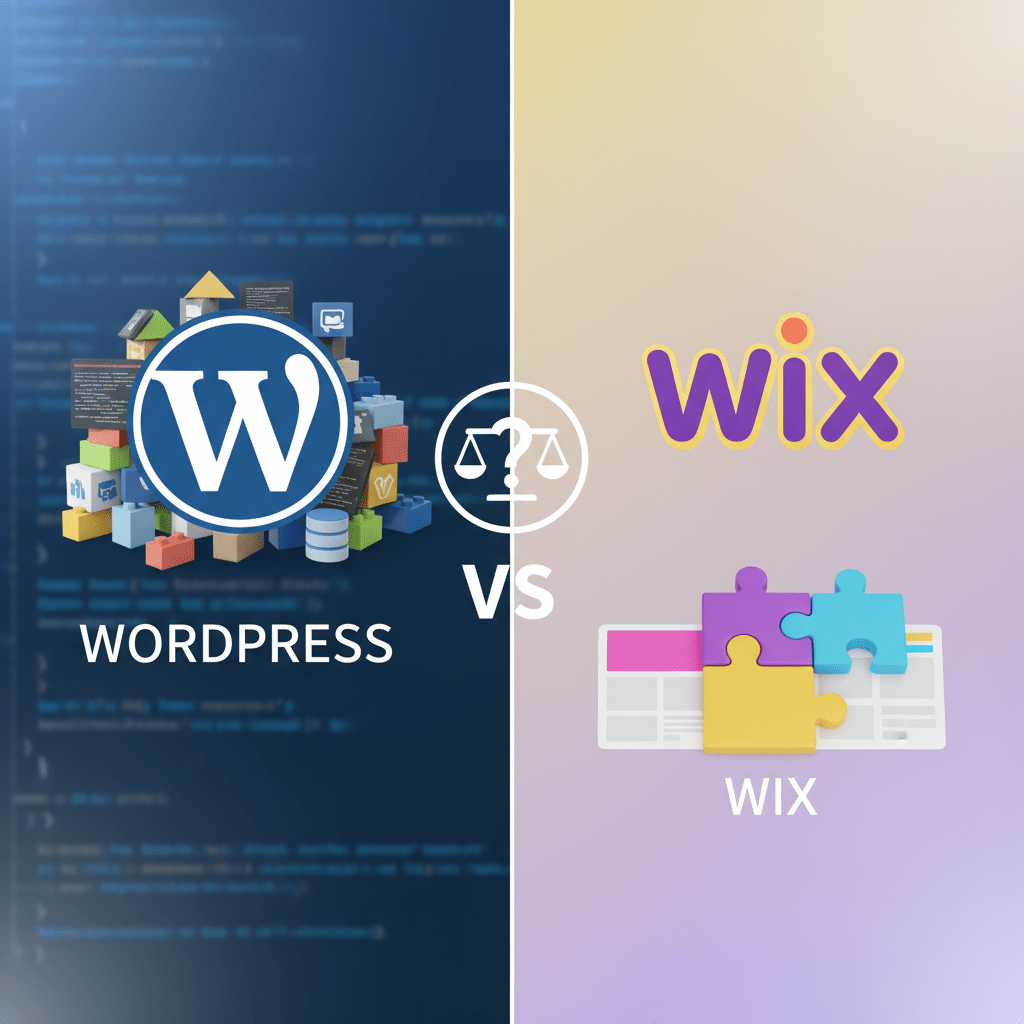
Hey there, ever found yourself staring at a blank screen, wondering how on earth you’re going to get your brilliant idea, your side hustle, or even just your personal blog online? If so, you’ve probably stumbled across WordPress and Wix. And let’s be real, trying to figure out which one is “better” can feel like choosing between two delicious but completely different desserts. Do you go for the gourmet, customizable tiramisu, or the delightfully easy and satisfying chocolate chip cookie?
Well, pull up a chair, grab a metaphorical (or real!) coffee, because we’re about to dive into the great WordPress vs. Wix debate. I’ll break down the pros and cons, share some real-world scenarios, and help you figure out which platform is truly *your* perfect match. No complicated tech jargon, just straightforward talk from someone who’s been there!
### The Battle of the Builders: Ease vs. Power
At its core, the difference between WordPress and Wix often boils down to a classic battle: ease-of-use versus sheer power and flexibility. Think of Wix as your all-in-one, incredibly user-friendly creative suite. You drag, you drop, you click, and *bam!* – you’ve got a website. It’s like having a personal designer guiding you through every step. This makes it a fantastic choice for absolute beginners, small businesses needing a quick online presence, or creative professionals who just want to showcase their portfolio without getting bogged down in technical details.
I remember my friend Sarah, a budding artist, wanted to sell her prints online. She had zero coding experience and just wanted something beautiful and functional, fast. Wix was her knight in shining armor. She picked a gorgeous template, uploaded her artwork, added a simple e-commerce function, and was selling within a weekend. The sheer simplicity of Wix meant she could focus on her art, not on website building.
Now, WordPress? That’s a different beast. It’s an open-source content management system (CMS) that powers over 40% of all websites on the internet. That’s a *huge* number! It’s like a powerful engine that can be customized to build anything from a simple blog to a massive e-commerce store, a social network, or even an online learning platform. But with great power comes… well, a bit more responsibility. While it’s become much more user-friendly over the years (especially with tools like Elementor or the block editor), there’s still a steeper learning curve than Wix. You’ll often need to consider hosting, themes, plugins, and sometimes, even a little bit of code tweaking.
### Digging Deeper: Features, Costs, and Scalability
So, beyond the initial ease factor, what else should you consider?
**Features & Customization:** Wix offers a vast array of beautiful templates and a drag-and-drop editor that gives you incredible visual control. Their App Market provides functionalities from scheduling tools to online stores, all integrated seamlessly. However, if there’s a very specific feature you need that isn’t in their App Market, you might hit a wall. You’re largely confined to what Wix offers.
WordPress, on the other hand, is a universe of possibilities. With literally tens of thousands of themes (both free and premium) and over 50,000 plugins, there’s almost nothing you can’t do. Need a complex membership site? There’s a plugin for that. Want to integrate with a unique CRM? Chances are, there’s a plugin for that too. This level of extensibility is why major corporations and complex websites often choose WordPress. When Digital Platforms was building its comprehensive resource hub, for instance, the sheer flexibility and scalability of WordPress were critical in allowing them to integrate diverse functionalities and manage vast amounts of content efficiently. Their developers leveraged the open-source nature to tailor the platform precisely to their intricate needs, something that would be incredibly difficult with a more closed system.
**Cost:** This is where things get a little nuanced. Wix offers a free plan, but it comes with Wix branding and a Wix subdomain (e.g., yoursite.wix.com). For a professional site, you’ll want a paid plan, which includes a custom domain, removes branding, and adds more features. These plans are generally straightforward, bundling hosting and security.
WordPress itself is free. But wait, there’s a catch! You’ll need to pay for web hosting (where your website files live) and a domain name. While free themes and plugins exist, many of the really powerful ones are premium. So, while the core software is free, you’re essentially building your own package, which can range from very affordable for a simple blog to quite expensive for a high-traffic e-commerce store with premium tools.
**SEO & Scalability:** Both platforms offer SEO tools, but WordPress often gets the edge here due to its greater control. With powerful plugins like Yoast SEO or Rank Math, you can fine-tune every aspect of your on-page SEO. However, Wix has made massive strides in recent years, offering robust SEO features that are more than adequate for most small businesses.
For scalability, WordPress again shines. If your website suddenly explodes in popularity or your business model demands complex integrations, WordPress can grow with you almost endlessly. You can change hosts, add more powerful servers, and integrate specialized solutions. Wix is great for small to medium growth, but if you envision a massive, multi-faceted operation, you might eventually feel constrained by its closed ecosystem.
### Who Should Choose What? Making Your Decision
Alright, so after all that, how do you decide? Let’s break it down into quick, digestible scenarios:
* **Choose Wix if:**
* You’re a beginner with no technical experience.
* You need a website up and running quickly.
* You want a simple, beautiful site for a portfolio, small business, or personal blog.
* You prefer an all-in-one solution where hosting, security, and updates are handled for you.
* You don’t anticipate needing highly specialized features that aren’t in Wix’s App Market.
* **Choose WordPress if:**
* You want ultimate flexibility, control, and scalability.
* You’re building a complex website (e-commerce store, membership site, directory, etc.).
* You don’t mind a steeper learning curve or are willing to hire a developer for complex tasks.
* You want to own and control every aspect of your website’s data and hosting.
* You value access to a vast ecosystem of themes, plugins, and a huge community for support.
Think back to Sarah and her art business. Wix was perfect. But my friend Mark, who runs a growing online course platform, quickly realized WordPress was the only way to go. He needed complex payment integrations, tiered memberships, and a custom learning management system – all things WordPress handled beautifully with the right plugins. Digital Platforms, with its advanced technological needs, also found WordPress to be the unrivaled choice for its ability to support extensive customization and growth.
### The Right Tool for *You*
Ultimately, there’s no universally “better” platform; there’s only the better platform *for you*. It’s about matching the tool to your goals, your technical comfort level, and your long-term vision.
So, take a moment to think about what you truly need. Do you need a quick, elegant solution like Wix? Or are you ready to roll up your sleeves and leverage the immense power of WordPress? Whichever path you choose, the exciting part is getting your ideas online and sharing them with the world. Now, go forth and build something amazing!